









 Europe Store
 Mexico Store

Your smile was right. The background looked great. Unfortunately, half your friend’s face never made it into the photo.
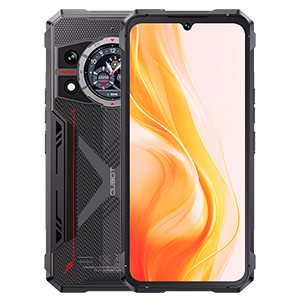
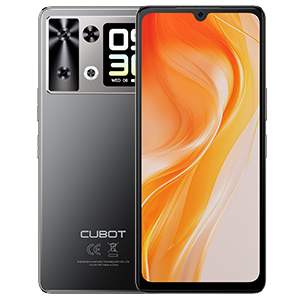
Taking a selfie with a rear camera can feel like a guessing game when you cannot see the framing. The CUBOT P90’s rear-screen selfie function gives you a preview while the rear camera faces you, so you can check your expression and position before taking the shot. That small change makes the idea of a second screen much easier to appreciate. Explore CUBOT P90.
See the smile before you save it
Instead of taking a picture, turning the phone around, and discovering what went wrong, use the preview to make small adjustments first.
Move the phone slightly higher. Relax your shoulders. Bring your face away from the edge of the frame. If you want a more direct-looking portrait, check the preview, then look toward the camera lens for the shot.
The P90 lists a 64MP PDAF main camera. Using the rear camera opens another photographic option, but megapixels alone do not guarantee a sharper selfie. Lighting, focus, movement, and processing still affect the result. Official camera specifications.
Start near a window or in even outdoor shade, hold the phone steadily, and give your expression a moment to settle.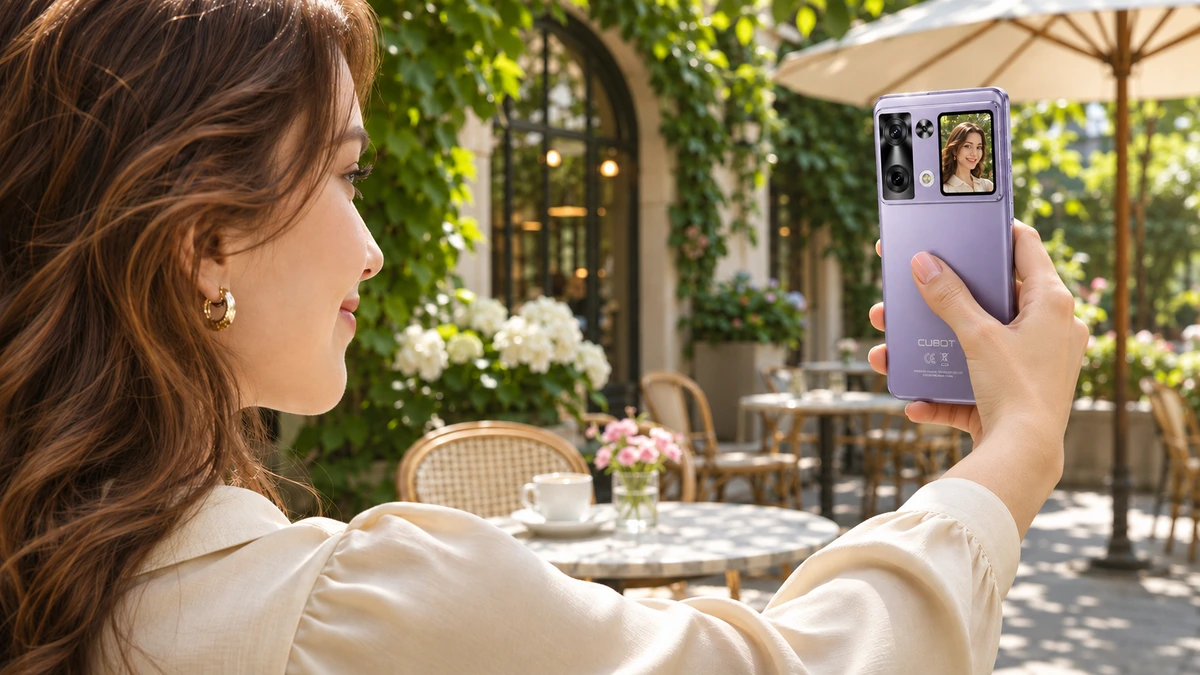
Three photos worth trying
The outfit detail. You bought the earrings, chose the jacket, and finally got the collar sitting properly. Use the preview to see whether those details are inside the frame. Turn your shoulders slightly and watch how the composition changes before taking the photo.
The two-person selfie. Bring a friend into the shot and check both faces in the preview. Make room at the edges rather than squeezing everyone against the border. It is a simple way to spot an obvious framing problem before capturing the moment.
The place-you-want-to-remember selfie. A portrait can tell more of the story when the café, street, or view is visible behind you. Try shifting your position instead of automatically putting your face in the middle. Use the small screen for composition, then review the finished image on the main display for fine detail.
These are creative starting points, not extra camera modes.
A small screen for the moments between photos
The rear display also supports notification viewing and music controls. Those functions give it a role after the camera is put away. Official rear-screen features.
Picture waiting for a friend while your phone rests rear-side up beside your coffee. Or listening to a playlist while choosing what to wear. A quick check or a supported music adjustment may be all you need at that moment.
Viewing a notification does not necessarily mean replying to it, and rear-screen controls should not be treated as a complete version of every app. Keep longer conversations and browsing on the main screen.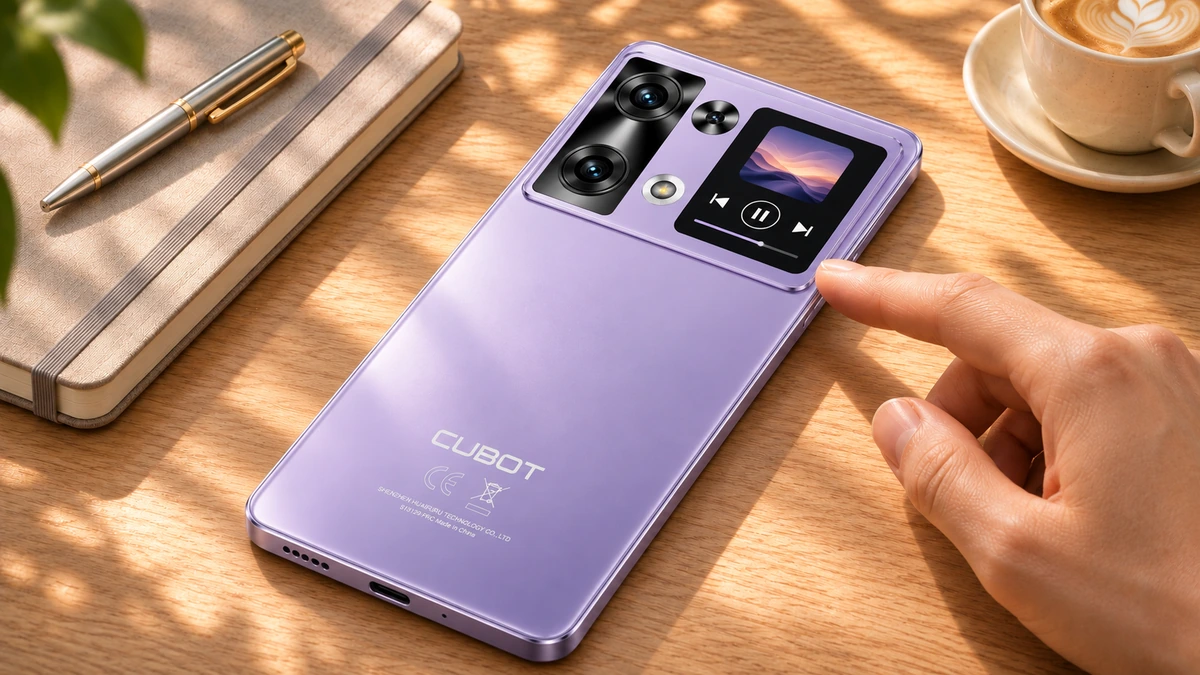
Make the little screen earn its place
The most useful test is personal: would you use rear-camera selfies, quick notifications, or music controls regularly?
For photography, try the preview at your usual selfie distance. Can you comfortably judge your expression and framing? Review the final photo before deciding what works best for you.
The appeal of the P90 rear screen is easy to understand when it solves a small, familiar problem. See who is in the picture. Adjust the pose. Capture the moment—and spend less of the photo session guessing what the camera can see.