






















 Europe Store
 Mexico Store
Physical RAM and extended RAM are not the same thing. Physical RAM is hardware built into your phone; extended RAM is a software-managed memory expansion feature. When comparing smartphones, check the physical RAM separately from the advertised combined total, then consider storage capacity and the applications you actually use.
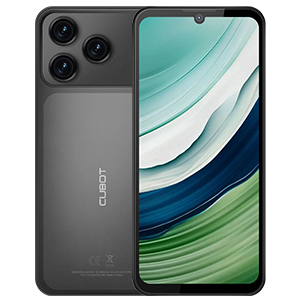
The CUBOT Note 60 offers a practical example of how to read these figures without confusing memory, storage, and overall performance.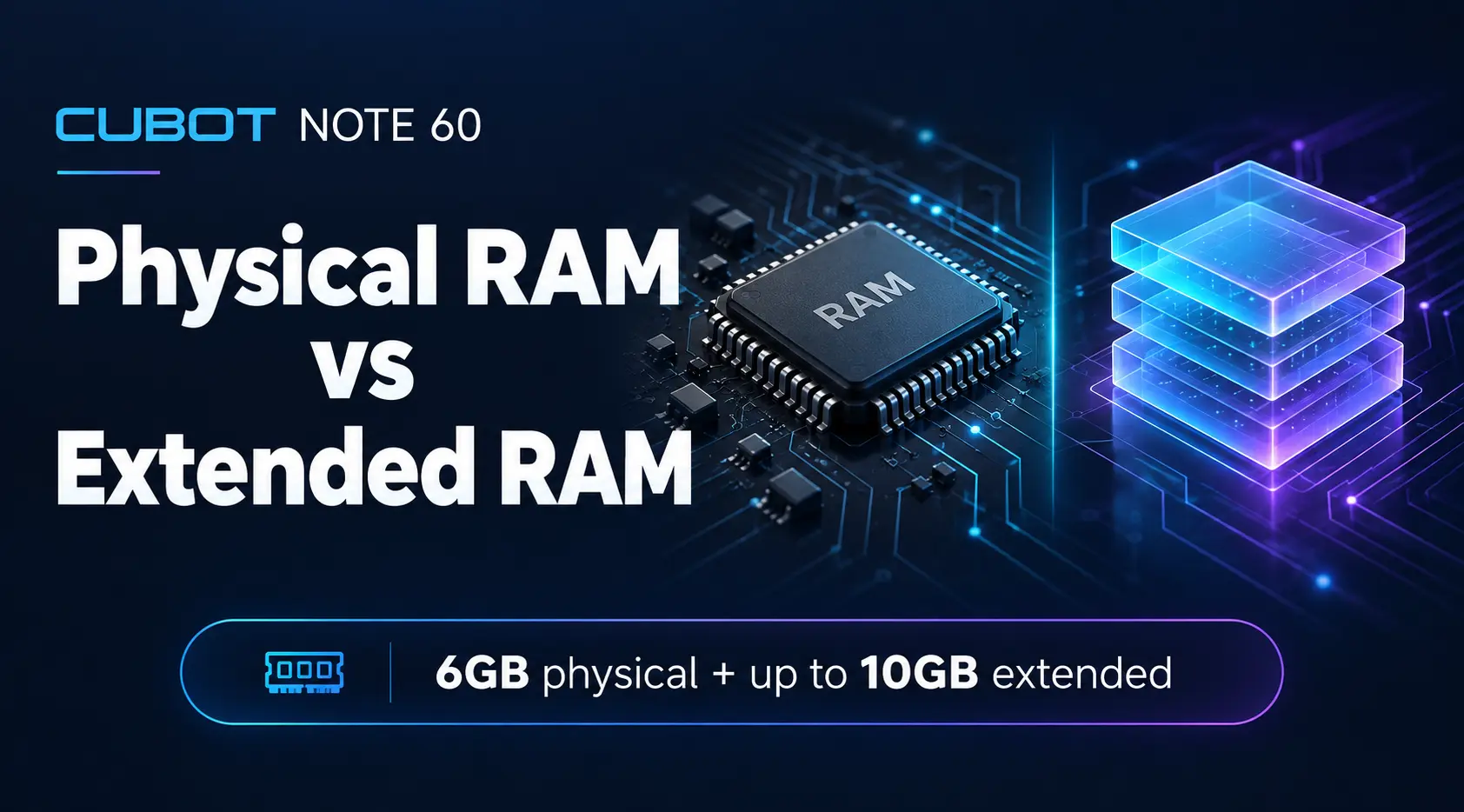
What Do the Different Memory Terms Mean?
RAM provides working space for applications and the operating system. Storage holds installed apps, photos, downloads, and other saved files. These serve different purposes, even though both capacities are expressed in gigabytes.
Extended RAM does not install additional physical memory chips. Memory expansion implementations vary between devices, so check the manufacturer’s description rather than assuming every feature works identically. For example, Samsung describes its RAM Plus feature as using storage as virtual memory. That explains one implementation, not the precise configuration of every Android phone. Samsung’s explanation.
Reading the CUBOT Note 60 Specification
CUBOT lists the Note 60 with up to 16GB RAM, broken down as 6GB plus 10GB extended, alongside 128GB storage.
Read that as three separate figures:
6GB physical RAM: the installed hardware memory.
Up to 10GB extended RAM: the additional memory expansion figure.
128GB storage: the advertised capacity for the system, apps, and saved files.
The combined RAM figure should not be read as 16GB of physical RAM. Likewise, the 128GB storage figure is not additional RAM. Keeping these categories separate makes comparisons clearer when different listings present specifications differently.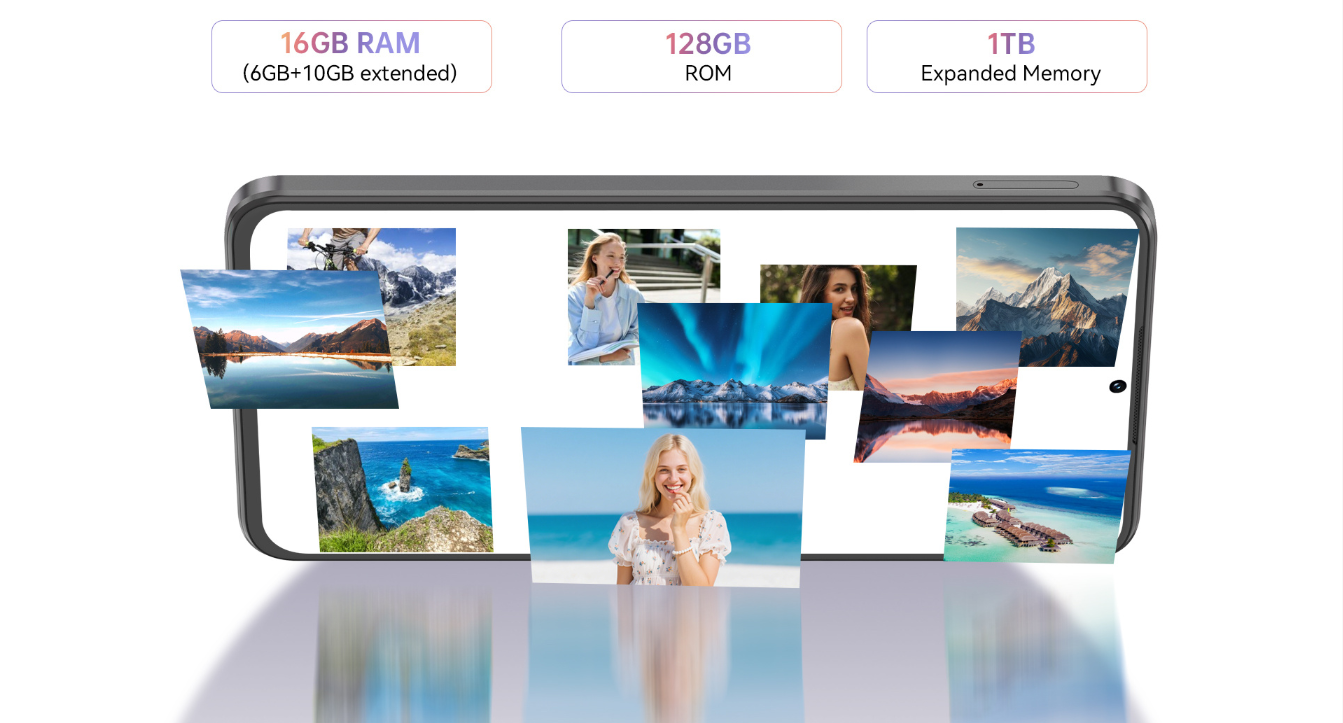
Compare Phones Using the Same Categories
Before choosing a phone, write down its physical RAM, extended RAM, and storage capacity in separate columns. If a seller only shows a large combined figure, look for the detailed breakdown on the official product page.
Next, list your most common tasks. Are you mainly messaging, browsing, and taking photographs? Do you regularly switch between navigation, email, and work applications? Or do you need a particular game or business app to run well?
Use those tasks to guide further checks. Read the application requirements and, where available, consult independent testing of the exact phone configuration. A combined memory total alone cannot establish how quickly an app opens, how smoothly a game runs, or how many background apps remain available.
Choose Storage for What You Keep
Think about the files that accumulate on your current phone: photographs, videos, downloaded music, offline maps, and messaging attachments. Reviewing your current storage use is a practical starting point for estimating future needs.
Remember that advertised storage capacity is not the same as free space available after setup. The operating system and preinstalled software occupy space. Check the selected model’s storage options and supported expansion separately from its RAM features.
For a broader product overview, read CUBOT Note 60: Big Screen Power Meets Everyday Durability.
Does Extended RAM Replace Physical RAM?
No. Treat extended RAM as a separate feature, not an equivalent hardware upgrade. Its practical effect depends on the device’s implementation and workload.
When choosing the Note 60 or another smartphone, start with the physical RAM figure, confirm storage and app requirements, and then evaluate the complete device. Clear specifications help you choose for your routine rather than simply selecting the largest number.