














 Europe Store
 Mexico Store
You do not always need a phone for positioning on a GPS smartwatch, but that does not make every feature phone-independent. Built-in GPS, offline maps, and Bluetooth calls have different requirements. For CUBOT GT5 buyers, the practical question is which functions you want to use during a run or walk.
Built-in GPS vs connected GPS: the essential difference
Built-in GPS uses a receiver inside the watch to determine location. Connected GPS uses location data from a paired phone, so the phone needs to accompany you for that function. This distinction matters when choosing a watch for outdoor exercise. GPS terminology reference
Start with your routine. If you already carry a phone for photos and messages, connected GPS may be sufficient. If you want positioning on your wrist without depending on the phone’s receiver, look for built-in GPS.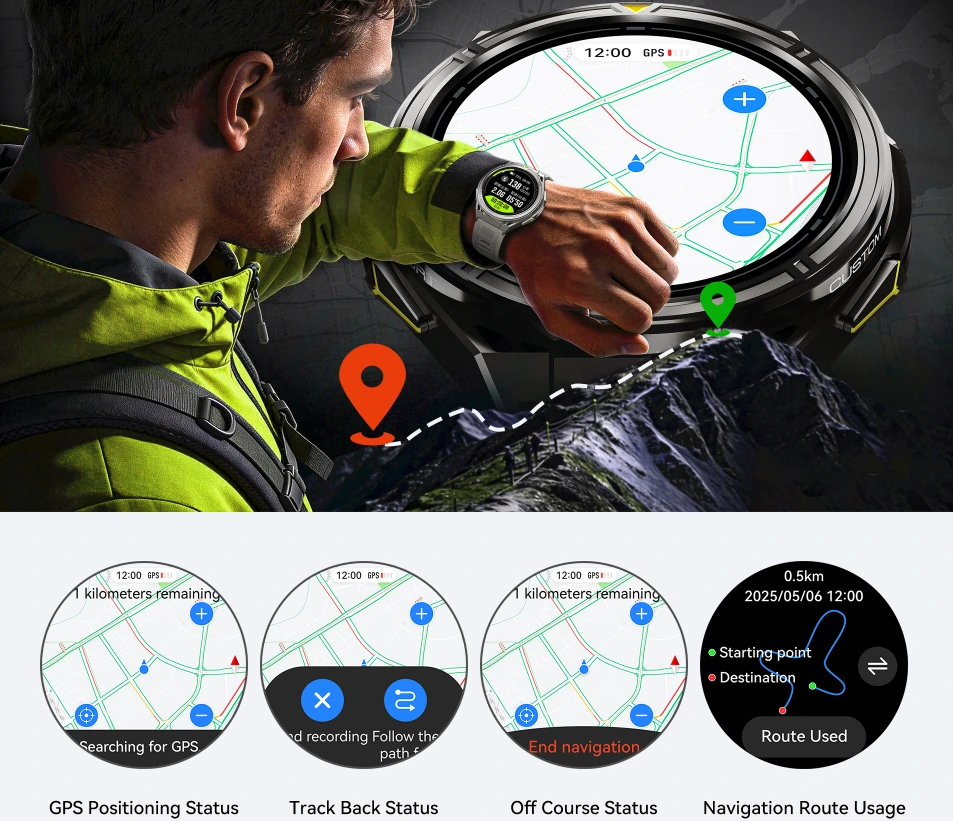
What this means for the CUBOT GT5
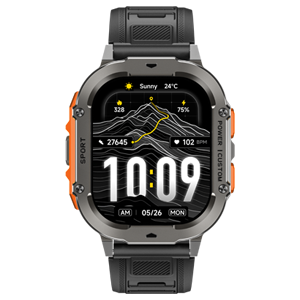
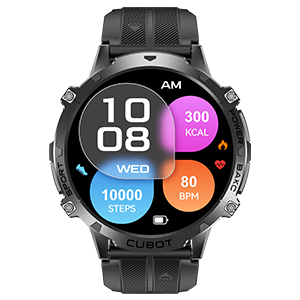
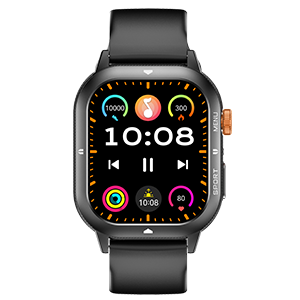
The CUBOT GT5 product page lists built-in positioning and offline map navigation. Its official feature overview also lists Bluetooth calling. These features serve different purposes:
| Your goal | Relevant feature | What to remember |
|---|---|---|
| Determine your outdoor location | Built-in positioning | Location capability is separate from phone communication. |
| Consult a map without a live phone connection | Offline maps | Prepare the required map area before departure. |
| Make or receive Bluetooth calls | Bluetooth calling | Keep a compatible, connected phone within Bluetooth range. |
Use this distinction when deciding what to carry. A watch can offer useful outdoor functions without replacing everything you use your phone for.
For a short run: decide what you need to record
On a familiar route, your priority may be recording the workout rather than navigating. Before your first phone-free session, confirm that the selected outdoor activity saves the route independently. Built-in positioning is relevant, but the activity mode and recording workflow still matter.
Try a short loop first. Start the activity, check the positioning status, finish the session, and inspect the saved record. This gives you a practical check of your chosen setup before relying on it for a longer workout.
If you also want to receive calls, plan to carry your phone for the GT5’s Bluetooth calling function.
For an unfamiliar walk: prepare the map
A saved workout route tells you where you have been. A map helps you understand where you are going. Decide which of those you need before heading out.
For the GT5’s offline maps, prepare the area you intend to visit and confirm that it opens on the watch without a live phone connection. Do this while you still have time to resolve setup issues. Do not assume that “offline maps” means every region is already stored or that turn-by-turn directions are included.
Choose by your outing, not just the GPS label
Before leaving, ask three questions: Do I need a workout record? Do I need a map? Do I need calls and messages?
For a familiar exercise route, your checklist may focus on activity recording. For a new walking destination, map preparation becomes more important. If staying reachable matters, include the phone connection in your plan.
The GT5’s positioning, maps, and calling features are best understood individually. Matching them to your actual outing makes it easier to decide when the watch is enough for your intended task and when carrying your phone remains useful.