

 Europe Store
 Mexico Store

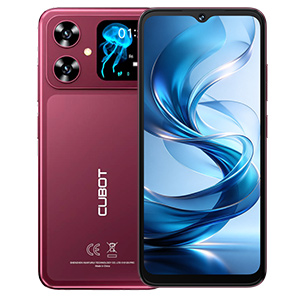
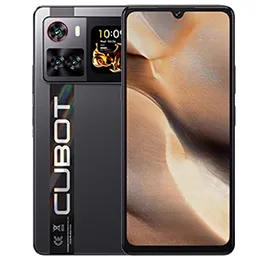
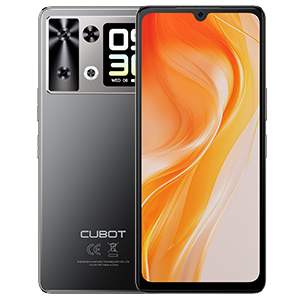
You reach for your phone to check the time. A notification catches your eye, and suddenly you are opening another app. Sometimes, all you wanted was a quick answer. CUBOT A60 puts everyday information on a 1.72-inch rear display, with access to the time, incoming calls, message previews and music controls. It gives the back of your phone a practical role beyond its appearance. Explore CUBOT A60.
A quick check can stay a quick check
Picture your phone resting with its back facing upward beside your notebook. You are waiting for someone to call, but you are also trying to finish a paragraph. A rear display gives you another place to check incoming information before deciding what needs your attention.
That distinction matters. A message preview may be enough to tell you whether to pick up the phone. Reading a long conversation or writing a reply is still a task for the main screen. The value of the smaller display is having a convenient option for the short checks that happen throughout the day.
It will not manage your attention for you. You still choose which notifications deserve a response. But it offers a different starting point from opening the main screen for every small question.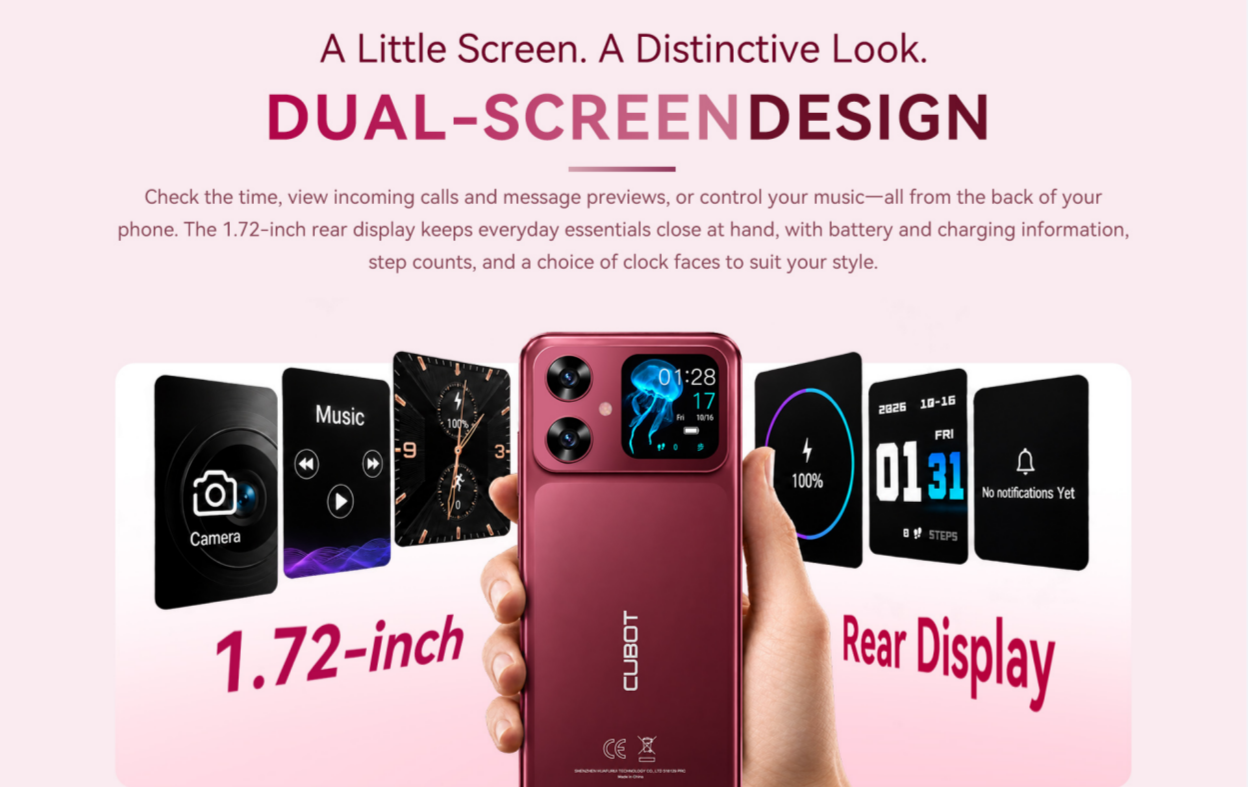
Give your playlist a place on the back
Music is another everyday reason to reach for a phone. You might be listening while organising your desk, preparing for the day or taking a break between tasks.
A60’s rear-screen music controls give that small display something useful to do beyond showing a clock. If you regularly make quick adjustments to playback, this is a feature worth looking at when choosing your next phone.
Think about where your phone usually rests and which side you can see. A feature becomes useful when it fits those ordinary habits, rather than requiring you to invent a new routine around it.
Make the small screen feel like yours
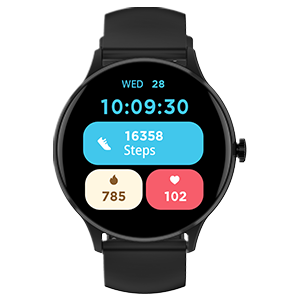
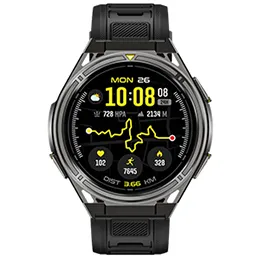
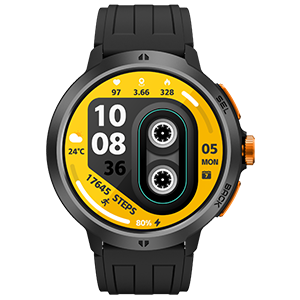
The rear display also supports battery and charging information, step counts and a selection of clock faces. Together, these functions make it both an information display and a visible part of the phone’s design. These capabilities are listed on the official A60 product page.
Choose a clock face you can read comfortably at a glance. A clean layout may suit a busy desk; another style might better match how you want the phone to look. The useful choice is the one that keeps your most frequent check easy to find.
If message previews are visible to people nearby, consider where you place the phone and review the notification options available on your device.
Turn to the main screen when you want more
A quick check and a longer browsing session need different amounts of space. A60 pairs its rear display with a 6.56-inch HD+ IPS main screen and a 90Hz refresh rate. That is where you can browse weekend plans, follow a conversation or settle in with a video.
A 5000mAh battery supports the overall package. Actual runtime depends on settings, apps and usage; the presence of a rear screen alone does not establish a battery-saving benefit.
Choose the feature you can picture using
Before choosing A60, think of three things you repeatedly check on your phone. If time, incoming messages or music playback are on that list, the rear display offers a concrete reason to consider it.
CUBOT A60 gives familiar daily tasks a different place to happen—and gives you a reason to look at your phone from both sides.