

 Europe Store
 Mexico Store

Your phone vibrates while you’re carrying shopping bags. Later, you pause a walk to change the music. At bedtime, there is another device waiting for a charger. When choosing a smartwatch in 2026, start with those ordinary moments. CUBOT X5 brings together a large AMOLED screen, a 900mAh battery and Bluetooth calling—features worth considering if you want everyday information and controls closer to hand.
A screen you’ll use beyond checking the time
A watch display has a different job from a phone screen: you usually look at it briefly, often while doing something else. A message that takes several attempts to read can defeat the purpose of having it on your wrist.
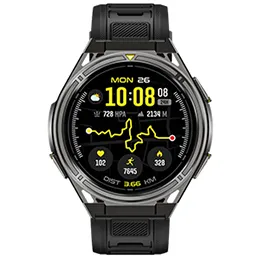
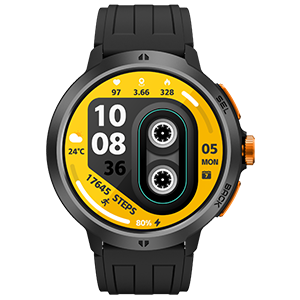
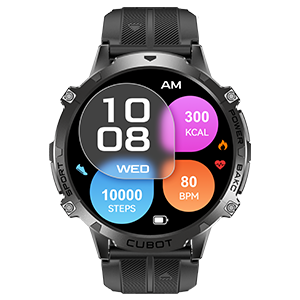
CUBOT X5 has a 2.13-inch AMOLED display, giving information more room on the watch face. Its official specifications also list brightness adjustment and raise-to-wake. These are useful features to consider alongside screen size when deciding how you want to check your watch during the day. See the official X5 specifications.
Think about what you actually want to see: the caller’s name, your activity progress or the time before your next appointment. Choose a watch face that makes your priority easy to find. A bigger display is most useful when the layout stays clear.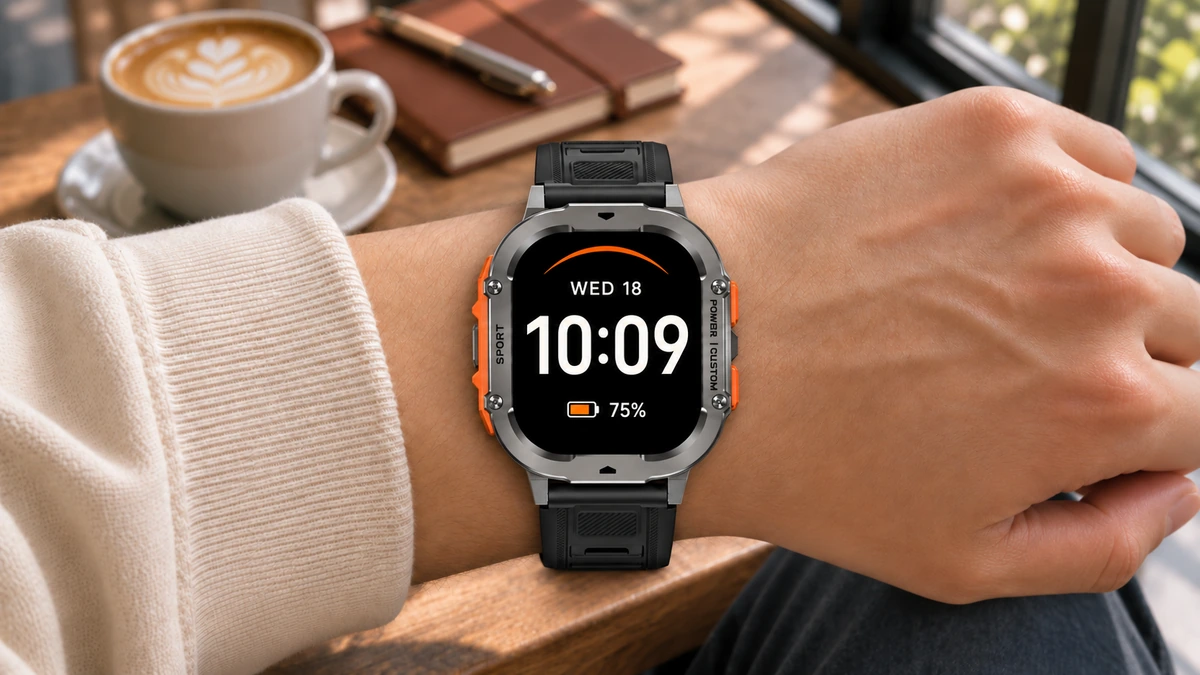
Put charging on your buying checklist
A smartwatch is easy to enjoy when it is already on your wrist. Remembering to charge it is the less exciting part of ownership.
The X5’s 900mAh battery makes battery capacity a notable part of its specification. Capacity alone, however, does not establish how many days a watch will last. Display settings, calls and feature use all influence the charging routine.
Before buying, think about when you would charge a watch. If you want to wear it overnight, bedtime may be inconvenient. Look for runtime information that explains the conditions behind the claim, and compare those conditions with your habits. Someone checking occasional notifications has a different routine from someone making frequent wrist calls.
Handle the small things without finding your phone
The useful moments are often brief: seeing who is calling while unpacking groceries, checking an incoming alert or changing the music during a break.
CUBOT X5 supports Bluetooth calling, message alerts and music control. These connected functions work with a paired phone; Bluetooth calling should not be confused with an independent cellular connection.
Set up the alerts you actually need. Letting every app interrupt your wrist can make a convenient device distracting. Start with calls and a few important notifications, then adjust after a normal working day. The goal is to make useful information easier to reach.
Make room for the exercise you already do
You do not need a race entry to have a reason to track activity. A lunchtime walk, a home workout or a weekend bike ride can be a practical starting point.
X5 lists more than 100 sports modes, including walking, cycling and yoga. Choose the modes that match your routine rather than treating the number as a target. Give yourself a simple reason to look back: did you make time for movement this week?
Choose for your ordinary Tuesday
Picture a typical weekday before comparing another feature list. What would you check on your wrist? Which alerts deserve your attention? When would you charge it?
If your priorities are a generous display, substantial battery capacity and convenient phone-connected functions, explore CUBOT X5. Those are concrete reasons to put it on your shortlist—and a useful way to choose a watch you will keep wearing.