



 Europe Store
 Mexico Store
You buy a bigger phone, open an article, and the text still feels too small. Why? A larger display does not automatically enlarge every app’s text. Font settings and page layout affect what you see, while screen resolution affects how much detail the panel can display. Before choosing your next phone, make these three checks—with the CUBOT A50 as an example.
1. Is the text too small, or is the page too crowded?
These problems can feel similar, but the solution is different.
If messages and menus are consistently too small, start with text settings. Android provides separate controls for font size and display size. Search for those options in Settings and preview the changes. Some apps do not follow the system font setting, so they may need separate adjustments. Android text and display guidance
If one document is difficult to read while your messages look fine, examine the content itself. A scanned page packed with small print is a different task from a webpage designed for a phone.
Try an article, a conversation, and a document you regularly use. Enlarge the text where possible, then check whether buttons remain accessible and whether you still see enough of the page. This is more useful than assuming another inch of screen will solve everything.
2. Bigger and sharper are different benefits
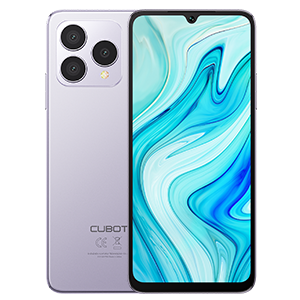
The CUBOT A50 has a 6.583-inch FHD+ display with a resolution of 1080 × 2408 pixels. Its official specifications list a 60Hz refresh rate. Those figures describe size, pixel dimensions, and refresh frequency—not three ways of saying “better screen.” A50 specifications
Screen size and resolution work together to determine pixel density. Simply choosing a larger display does not guarantee sharper text. Display terminology reference
When comparing the A50, use the same content on each phone. Can you follow a paragraph comfortably, distinguish small labels, and view a photo at your usual viewing distance?
| Your main frustration | What to check first |
|---|---|
| Messages look too small | Font size and the messaging app’s settings |
| Documents require constant zooming | Document layout and usable viewing area |
| Small text lacks definition | Resolution alongside screen size |
| Typing leaves little room to read | The layout with the keyboard open |
3. Will you enjoy holding it as much as viewing it?
A screen can look appealing on a product page and still be awkward for your routine. Reading at a desk, standing on a commute, and answering messages with one hand place different demands on a phone.
The A50 is 76.8mm wide and weighs 215g. If you can try one, type a short reply, reach the upper controls, and hold it in your usual reading position. Include a case if you normally use one.
Prefer easy one-handed handling above display space? Our compact rugged phone guide explores that alternative.
A new color to consider: Burgundy
The CUBOT A50 now adds Burgundy to its color lineup. Once you have decided that its display and dimensions suit your routine, the new shade offers another way to match the phone to your personal style. A clear case is an option if you want to keep the color visible.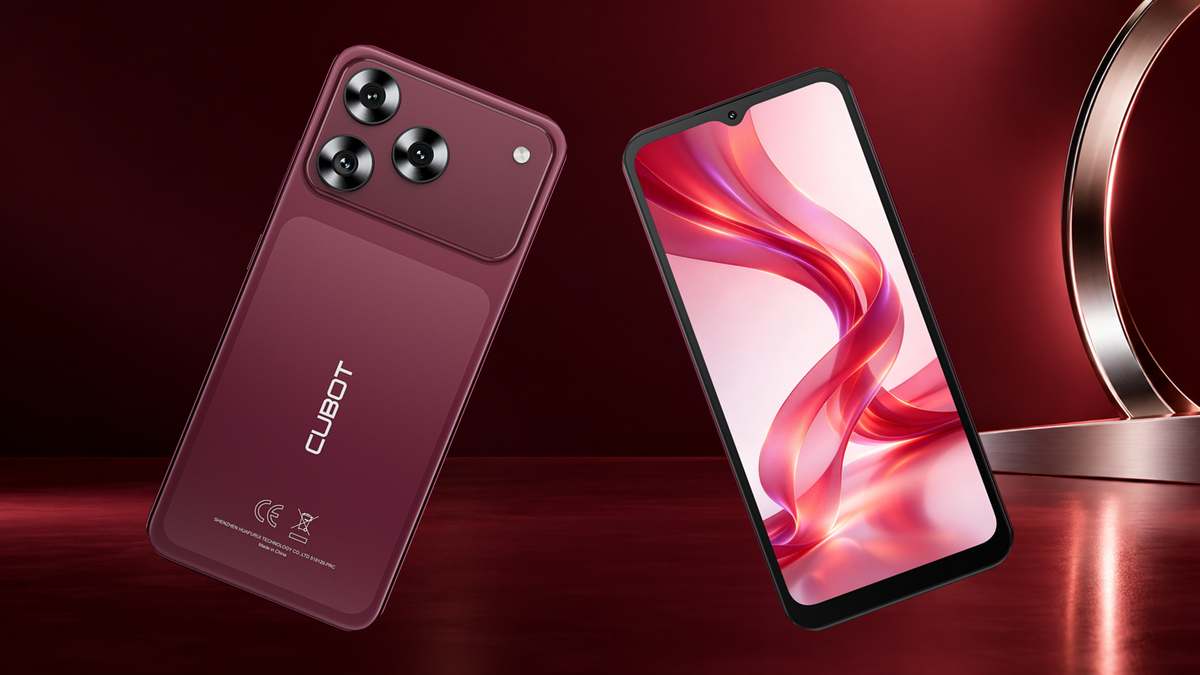
Who should consider the A50?
Put the A50 on your shortlist if you want a roughly 6.6-inch FHD+ phone and are comfortable with its dimensions. Choose a balance that suits your reading and carrying habits, rather than expecting screen size alone to fix every readability problem.
Explore the CUBOT A50 overview, then use your everyday reading tasks to guide your choice.